Installation
Install the plugin
Install JBang from Settings/Preferences > Plugins > Marketplace, or visit the JBang Marketplace page. Restart IntelliJ IDEA when requested.
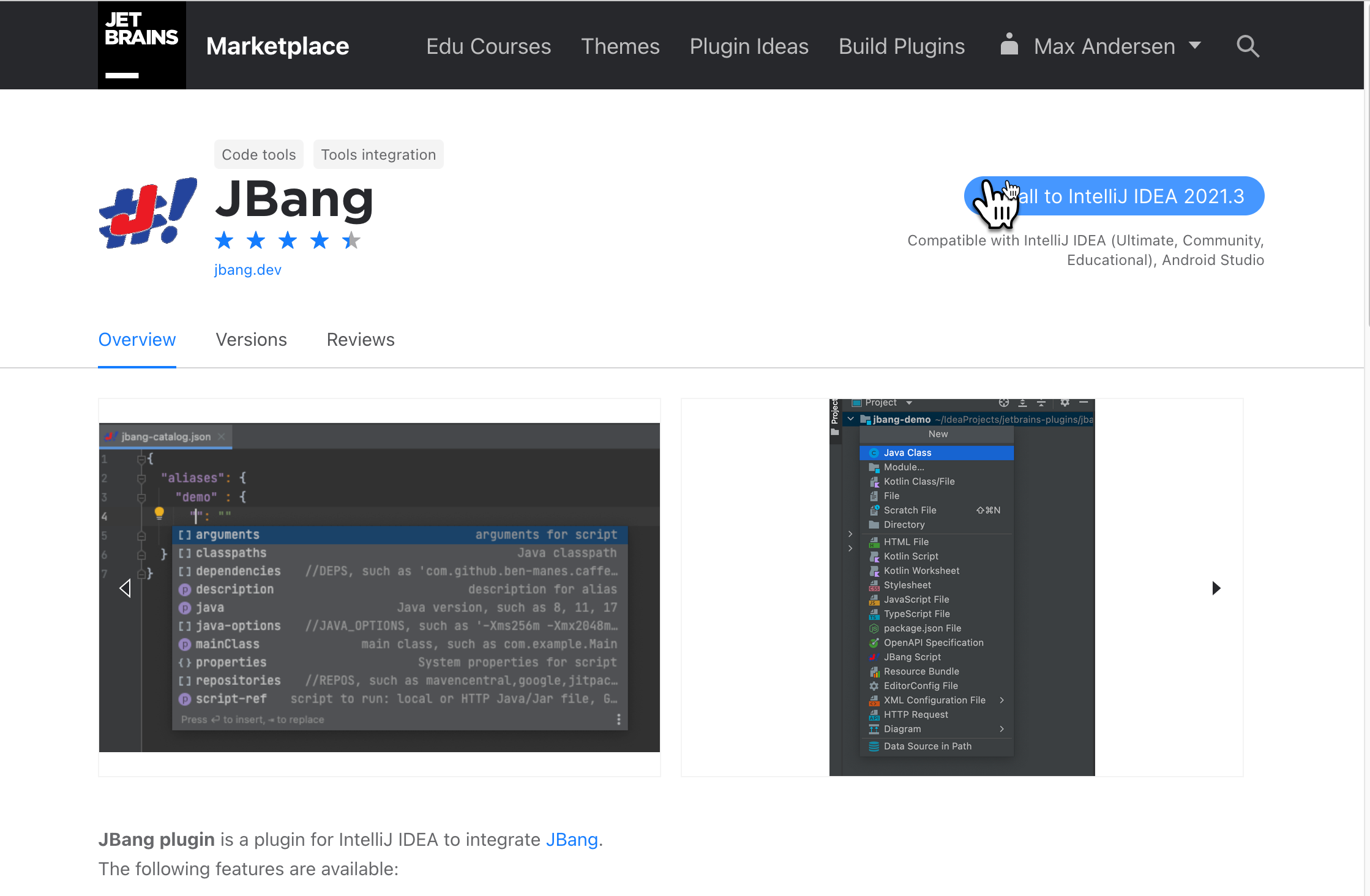
Open a directory containing a JBang script, or create one with New > JBang Script from the Project view. No dedicated project type or module wizard is required.
Install JBang
The plugin invokes the JBang CLI for templates, script metadata, dependency resolution, Run, and Debug. Install JBang using the instructions at jbang.dev/download.
The executable is selected in this order:
-
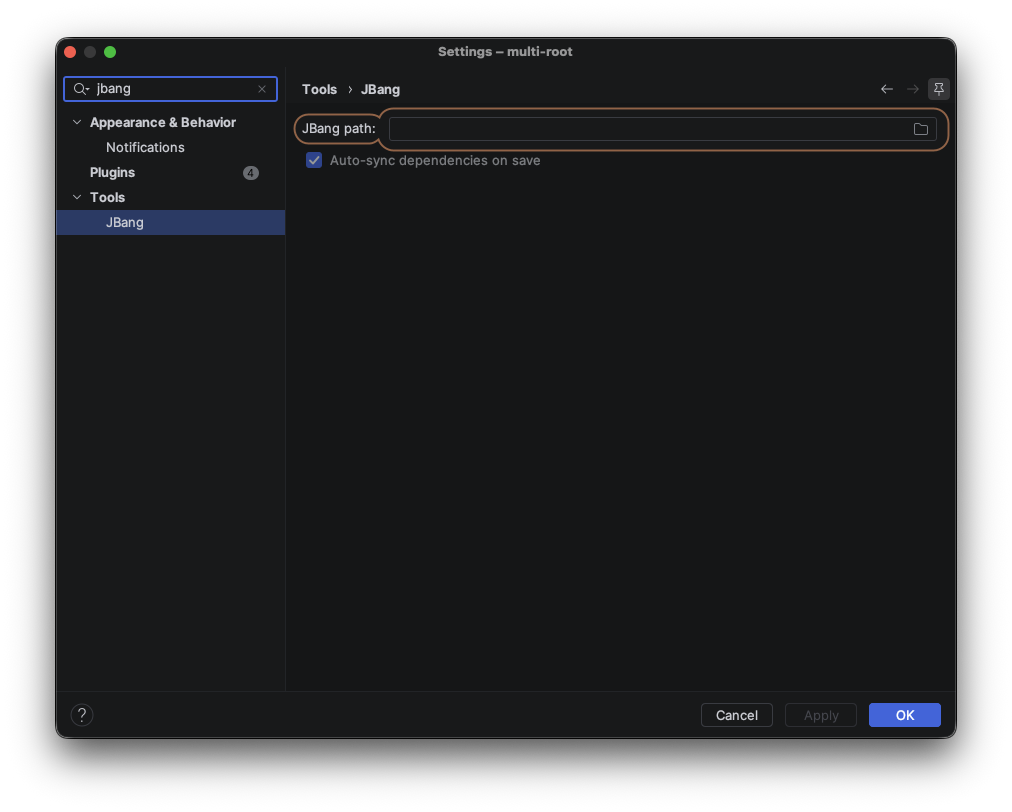
The path configured under Settings/Preferences > Tools > JBang
-
$JBANG_HOME/bin/jbang -
~/.jbang/bin/jbang -
jbangfromPATH(jbang.cmdon Windows)
If automatic discovery is not suitable, set the full executable path in Tools > JBang. The same page controls automatic synchronization after file saves.